China’s travel policies have opened up! The famous 144-Hour Visa-Free Transit Policy now allows travelers from 57 countries to explore specific regions for up to 6 days. Even better? Citizens from countries like France, Germany, Australia, and Singapore can now enjoy Visa-Free Entry for up to 15 or 30 days without needing a connecting flight.
✨ PRO TIP: Check if you are Visa-Free!
Good News: If you hold a passport from France, Germany, Italy, Spain, the Netherlands, Malaysia, Singapore, Australia, or New Zealand, you likely don’t even need the transit visa. You can enter China directly for tourism for 15-30 days!
2.Payment: How to Pay Like a Local
Crucial: Cash is rarely used in China! Even street vendors prefer mobile payments. Good News: You can now link your Visa / Mastercard directly to Alipay and WeChat Pay. No Chinese bank account needed!
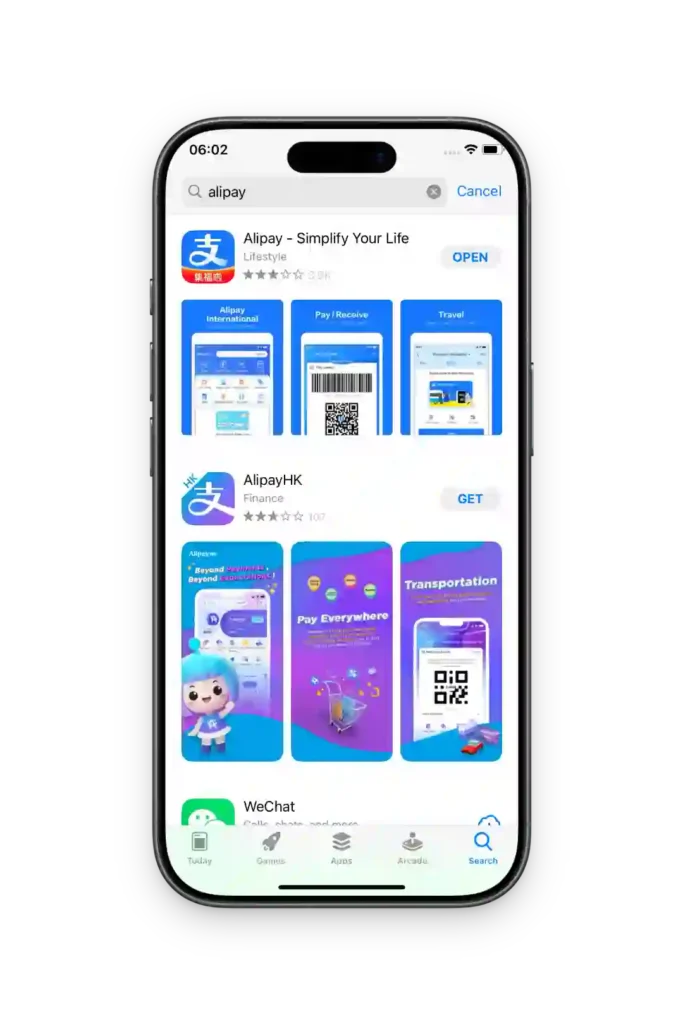
Step 1: Download
Search “Alipay” in your App Store. Look for the blue icon (International Version, the first one).
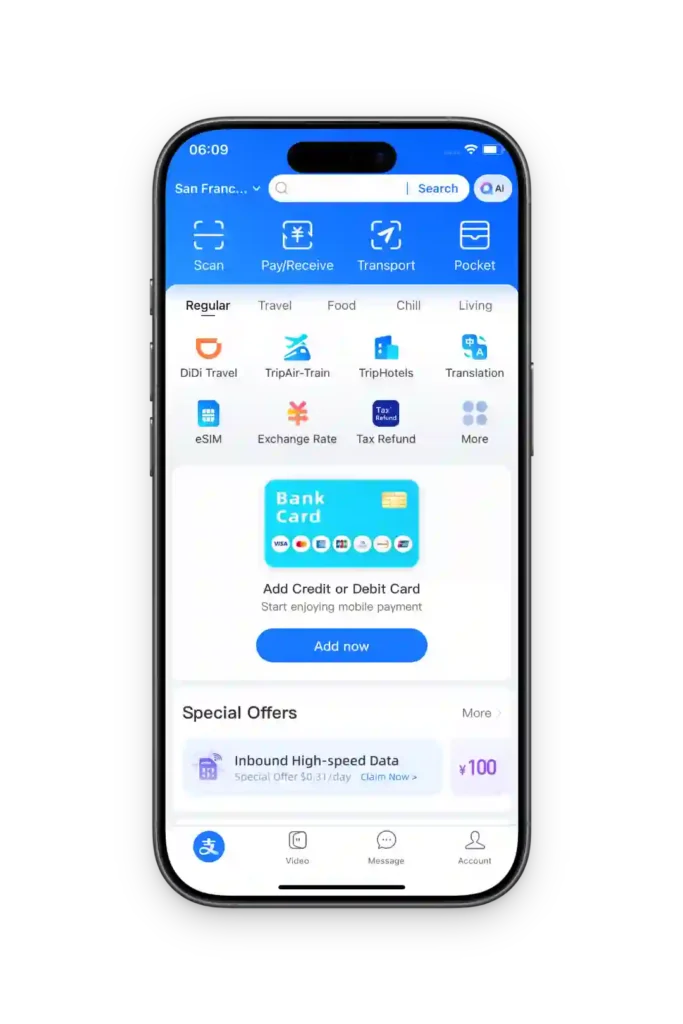
Step 2: Sign Up
Register with your own overseas mobile number. You will receive an SMS code, then you can see the alipay app main interface.
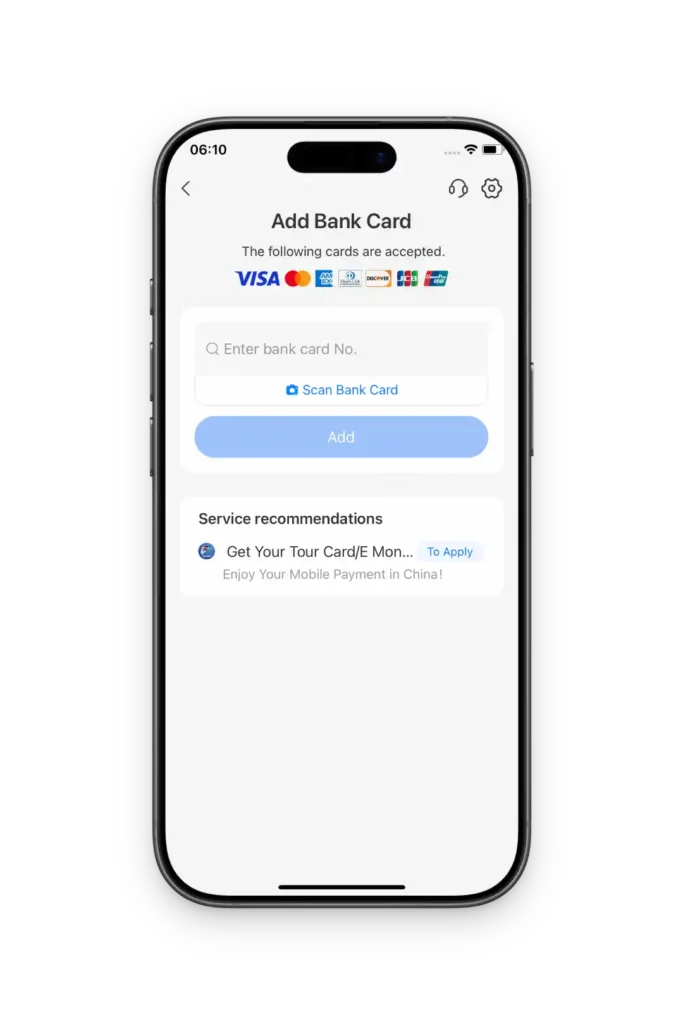
Step 3: Add Card
Go to “Me” -> “Bank Cards” -> “Add Card”. Or you can see the “Add Credit Card or Debot Card” button in the middle of the second image. Enter your card details. Done!
Troubleshooting: Help! My Card Won’t Link to Alipay
Q: “It says my issuer is not supported.”
Check: Is it a standard Visa/MasterCard/JCB/Amex issued overseas? Most prepaid cards and gift cards are NOT supported. Some niche banks also block international transactions by default.
Fix: Try a card from a major bank. If using a virtual card (like Wise), ensure it has a proper billing address. Call your bank to authorize “transactions in China.”
Q: “Card Status Abnormal / Expired”
Check: Is your card expired? Has it been frozen or reported lost? Is “International Payments” turned on in your banking app?
Fix: Call your bank immediately to unlock international transaction permissions.
Q: “Information Mismatch”
Check: The Name on Alipay must match your passport AND your bank account exactly. (e.g., “John Doe” vs “Doe John”).
Check: The Billing Address must match what your bank has on file (especially for US/Canada users).
Fix: Double-check every letter. For the billing address, do not use abbreviations if your bank file uses full words.
Q: “Invalid CVV”
Check: Did you enter the 3 or 4-digit code on the back correctly? Is it a dynamic CVV (changes every hour)?
Fix: Alipay struggles with dynamic CVVs. Use a card with a static code if possible.
Q: “System Busy / Operation Failed”
Check: Are you on a stable WiFi? Is your Alipay App updated to the latest version?
Fix: Switch to mobile data (4G/5G) and try again. Update the app in the App Store.
Q: “SMS Verification Failed” (3D Secure)
Check: This is usually your BANK sending a code to your phone, not Alipay. Can your phone receive SMS from your home country?
Fix: Ensure your roaming is on to receive the bank’s OTP code.
Q: “Restricted from performing this operation”
Reason: You tried too many times in a short period, or used the same card on multiple accounts. Alipay’s AI thinks you are a bot/hacker.
Fix:Stop immediately. Wait 24-48 hours before trying again. If it persists, upload your passport for “Account Verification” inside the app or contact Alipay Global Support.
Q: “Payment Limited / Failed”
Reason: International cards can ONLY be used for merchant payments (shops, restaurants, DiDi, trains). You CANNOT use them to transfer money to friends, send Red Packets, or buy financial products.
Fix: Ensure you are paying a business, not a person. Start with a small transaction (under $5) to “warm up” the card.
Common Questions About Money & Apps
Yes. While you can survive on WiFi, you need a phone number to receive SMS verification codes for almost everything—including logging into free public WiFi at airports, creating a DiDi (Uber) account, or ordering food delivery.
Recommendation: Buy an eSIM or pick up a physical SIM at the airport arrival hall.
Technically yes, but practically no. By law, merchants must accept cash, but many small shops or street vendors may not have change for a 100 RMB bill. Also, booking trains and attractions is almost entirely digital now.
Tip: Keep ~200-500 RMB in small bills as an emergency backup, but rely on Alipay for 99% of transactions.
No. Google services are blocked, and the map data is outdated.
iPhone Users: Apple Maps works perfectly.
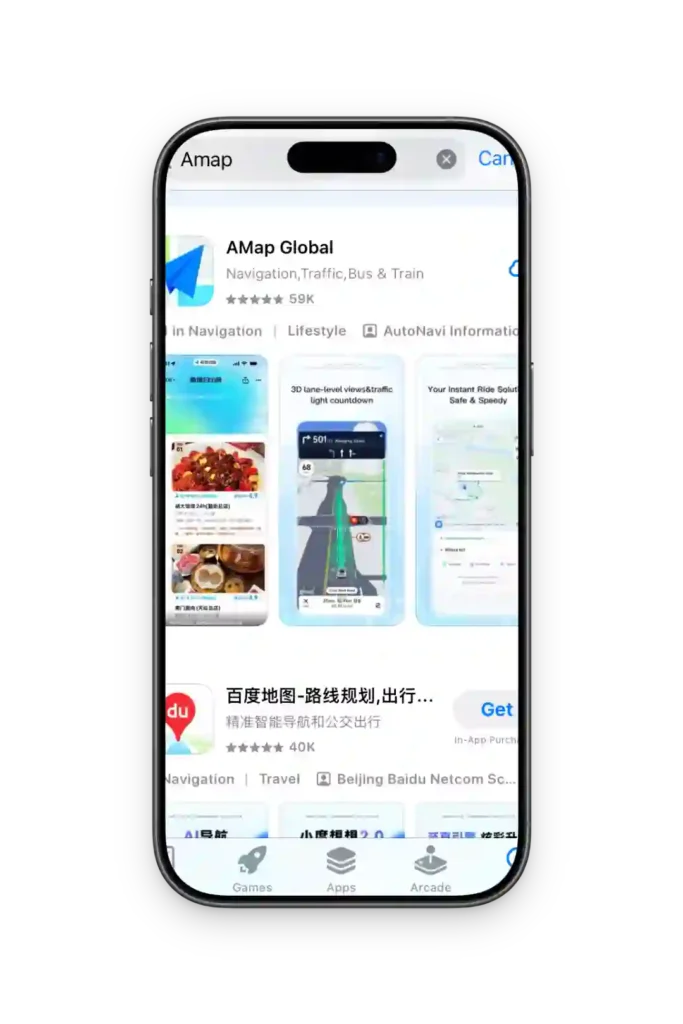
Android Users: We recommend Amap (Gaode). It is in Chinese, but highly accurate.
When you set up Alipay, you will create a 6-digit PIN. This is NOT your bank card PIN. It is a separate password just for the app. You will need to enter this for every payment over a certain amount, so memorize it!
3.Must-Have Apps
Amap (Gaode Maps)
Google Maps does not work well here. Amap is the best alternative. The interface is Chinese, but navigation is accurate.
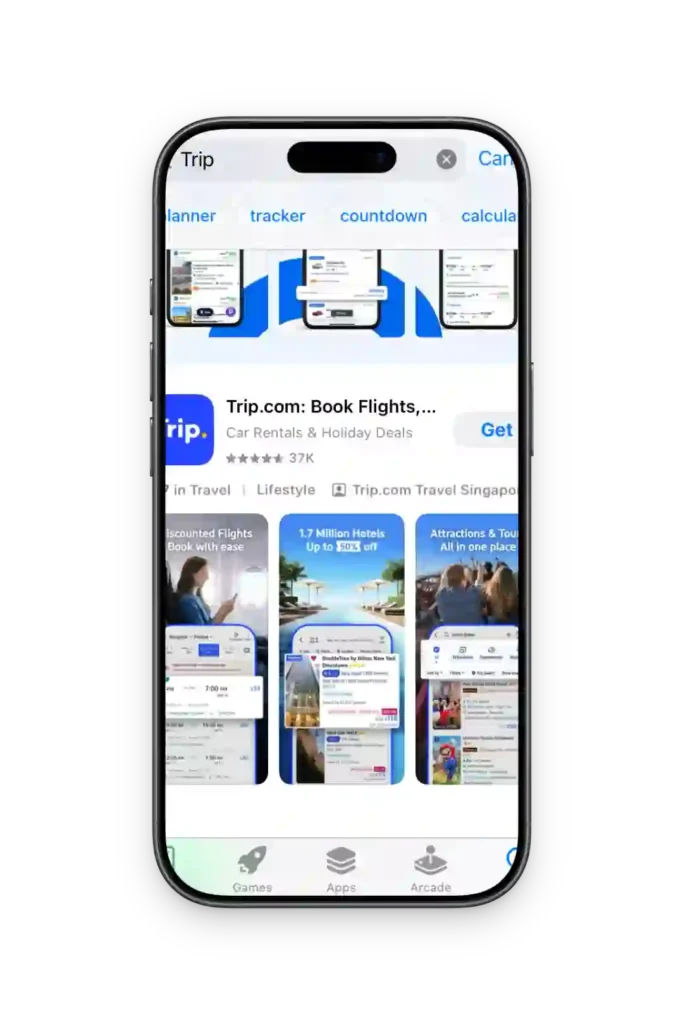
Trip.com
The absolute best app for booking High-Speed Trains and hotels. It has 24/7 English support and accepts foreign cards.
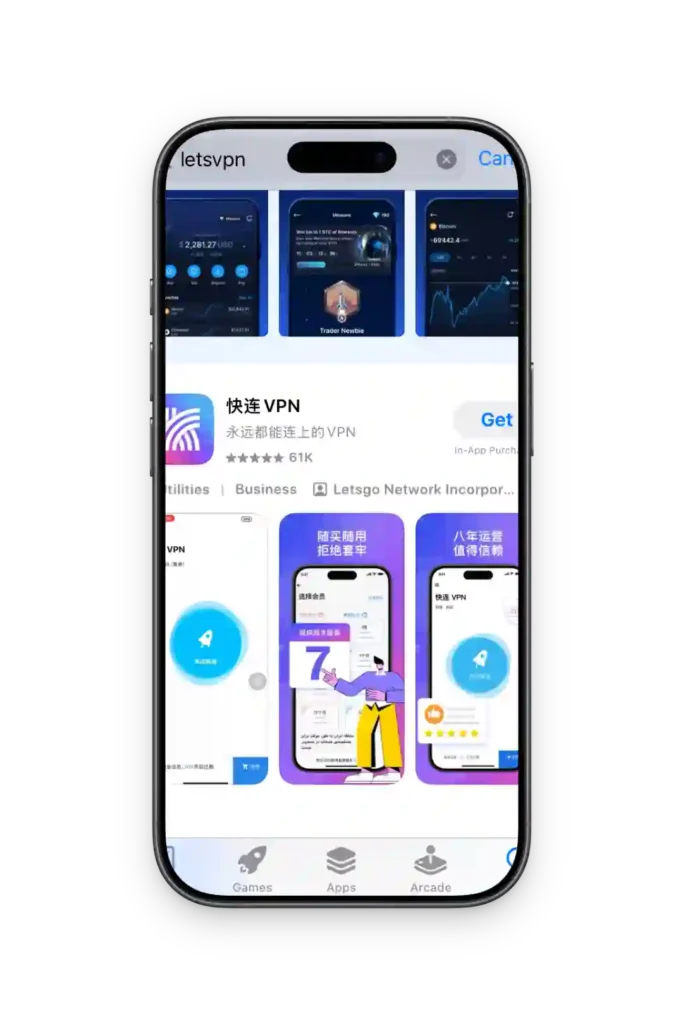
LetsVPN / Astrill
Essential if you want to use Instagram, WhatsApp, or Gmail. Install it before you arrive!